How to Count Calories Using AI Food Detection

A practical guide to counting calories from food photos with AI, including setup tips, accuracy expectations, and how to build a consistent tracking routine.
Published July 29, 2025 · 10 min read
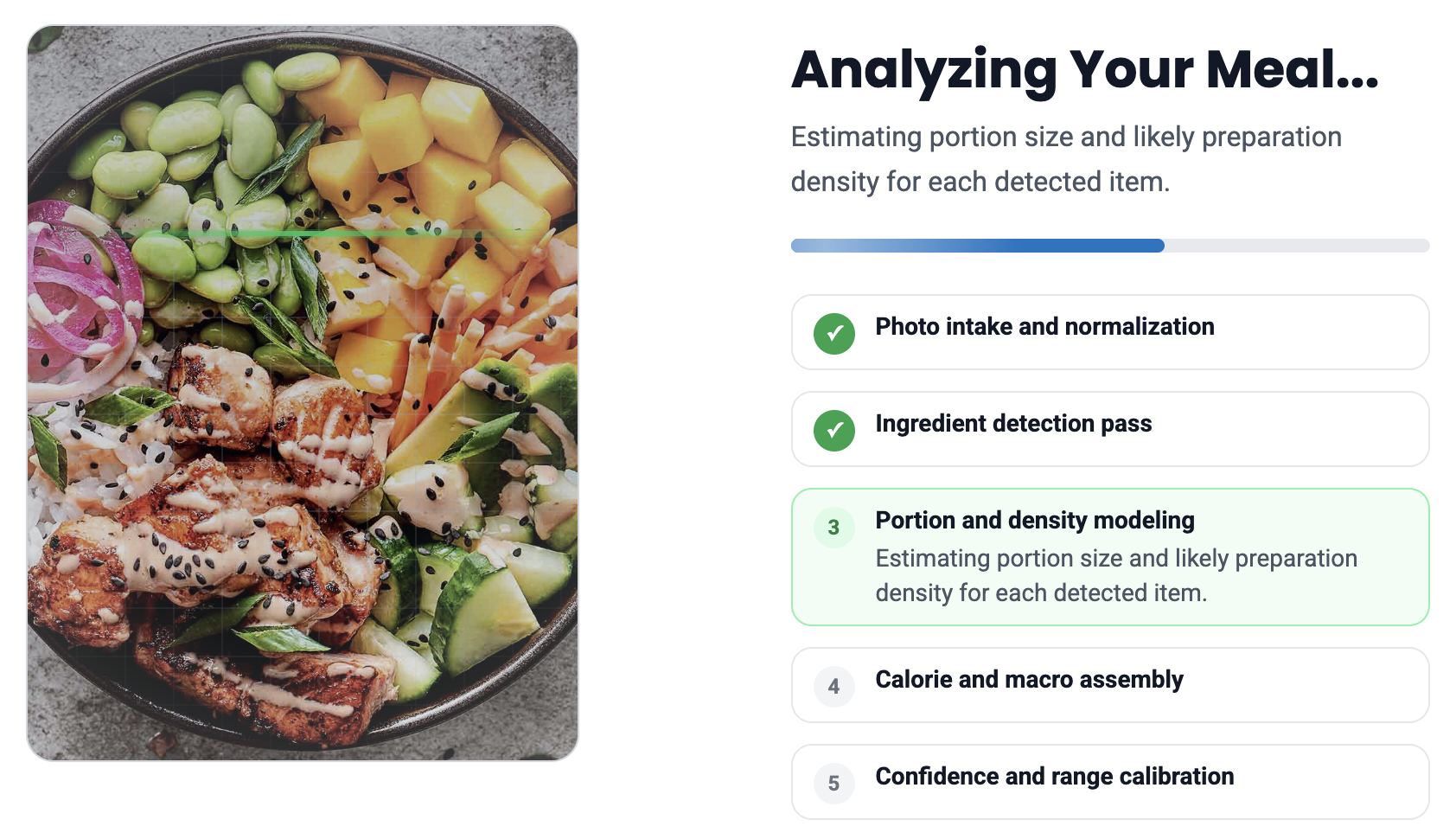
How to Count Calories Using AI Food Detection
AI food detection makes calorie tracking dramatically simpler: take a photo, let the model identify likely foods, and review estimated calories and macros in seconds. For most users, this removes the biggest blocker in manual tracking, which is time.
Skoy is designed around that fast loop. You upload a meal image, the system estimates food items and portions, and then provides an actionable nutrition summary that can be used immediately.
Best Setup for Better Scans
- Use good lighting and keep the full plate in frame.
- Capture the image from a top-down or slight 45-degree angle.
- Avoid cluttered backgrounds that obscure food boundaries.
- For mixed meals, take an additional photo if one ingredient is hidden.
These small capture choices improve ingredient detection and portion estimation quality, which leads to more reliable calorie outputs.
What Accuracy to Expect
AI calorie tools are strongest on common, visually distinct foods and weaker on dense mixed recipes where oils, sauces, and hidden ingredients are harder to estimate. The goal is practical consistency, not perfect lab-level precision.
In day-to-day use, even imperfect but consistent estimates can outperform manual tracking because users log more frequently and with less effort.